PetSitterPro
Professional Pet Sitting Management
The all-in-one iOS app for independent pet sitters. Manage clients, track visits with GPS, create professional invoices, and grow your business.

Professional Pet Sitting Management
The all-in-one iOS app for independent pet sitters. Manage clients, track visits with GPS, create professional invoices, and grow your business.
Everything you need to run your pet sitting business professionally
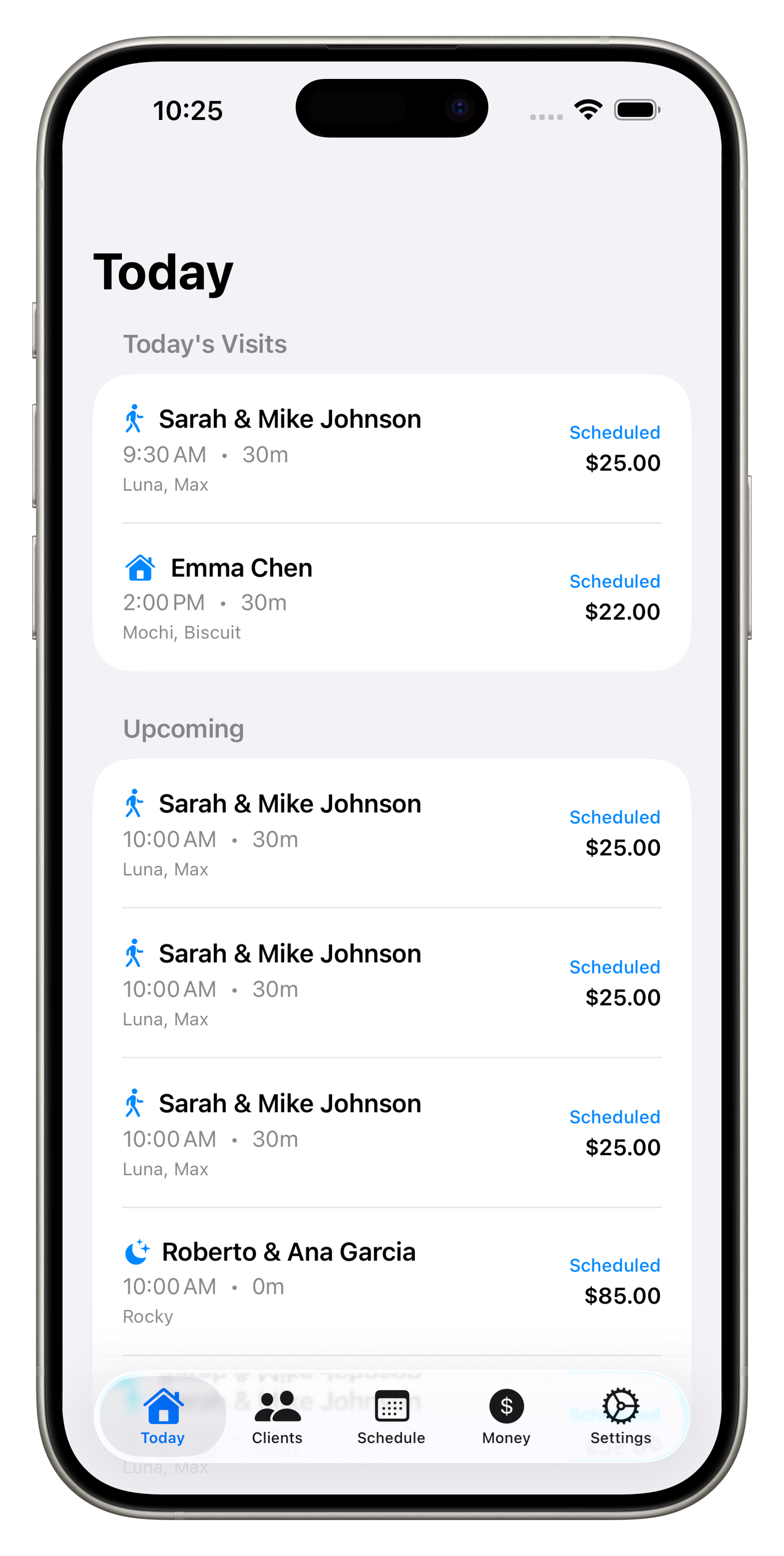
Today's Dashboard
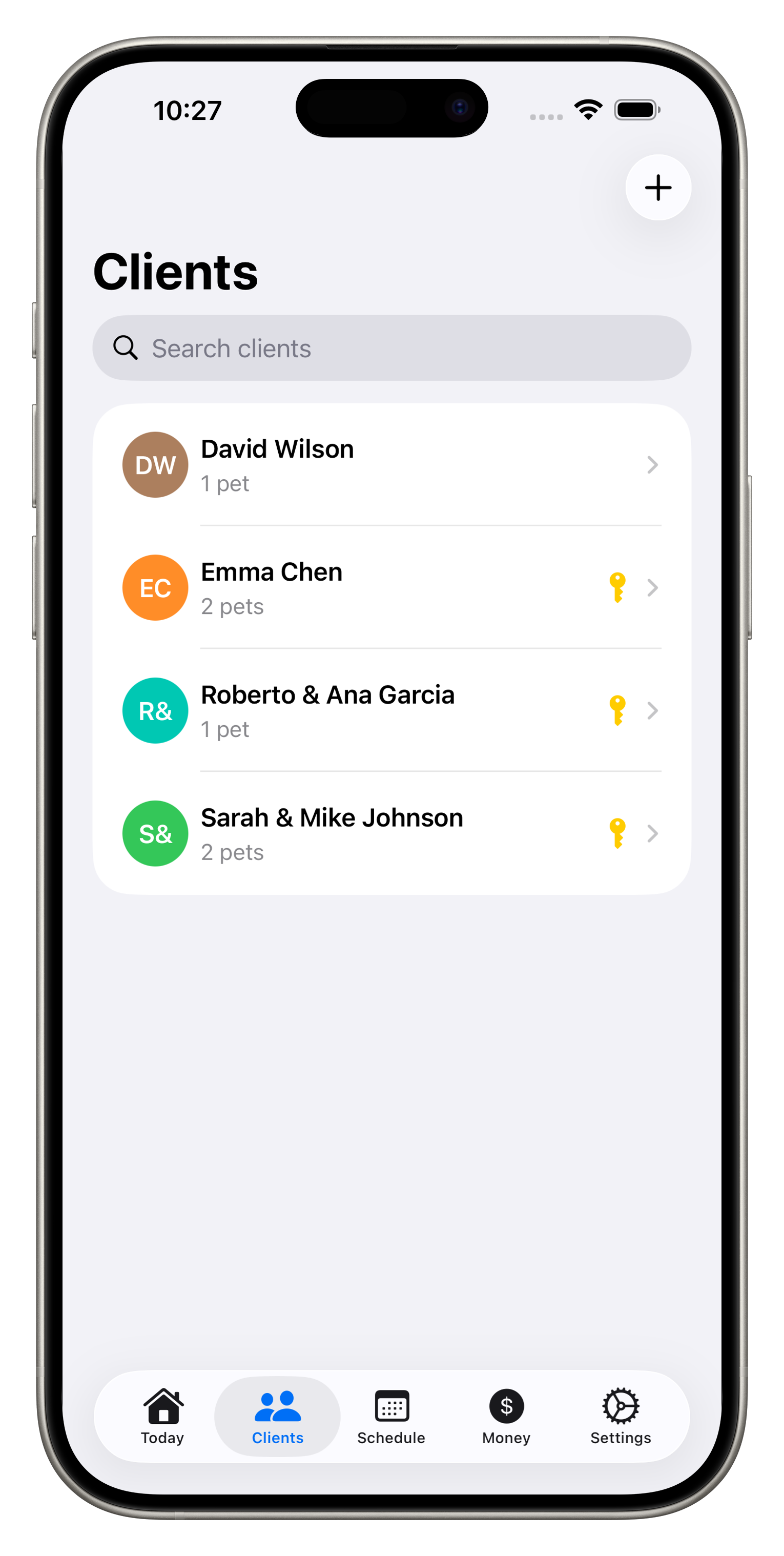
Client Management
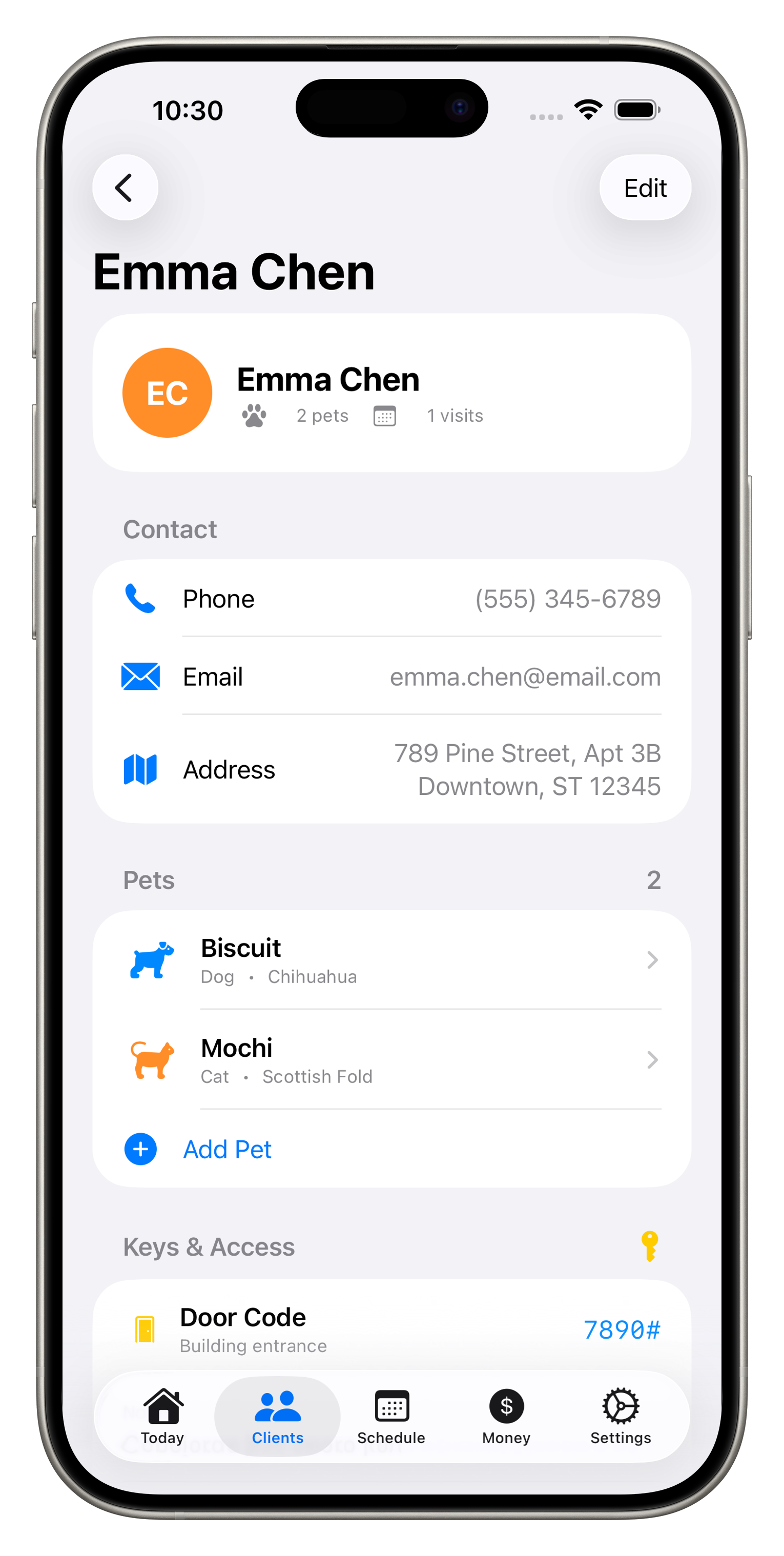
Client Details
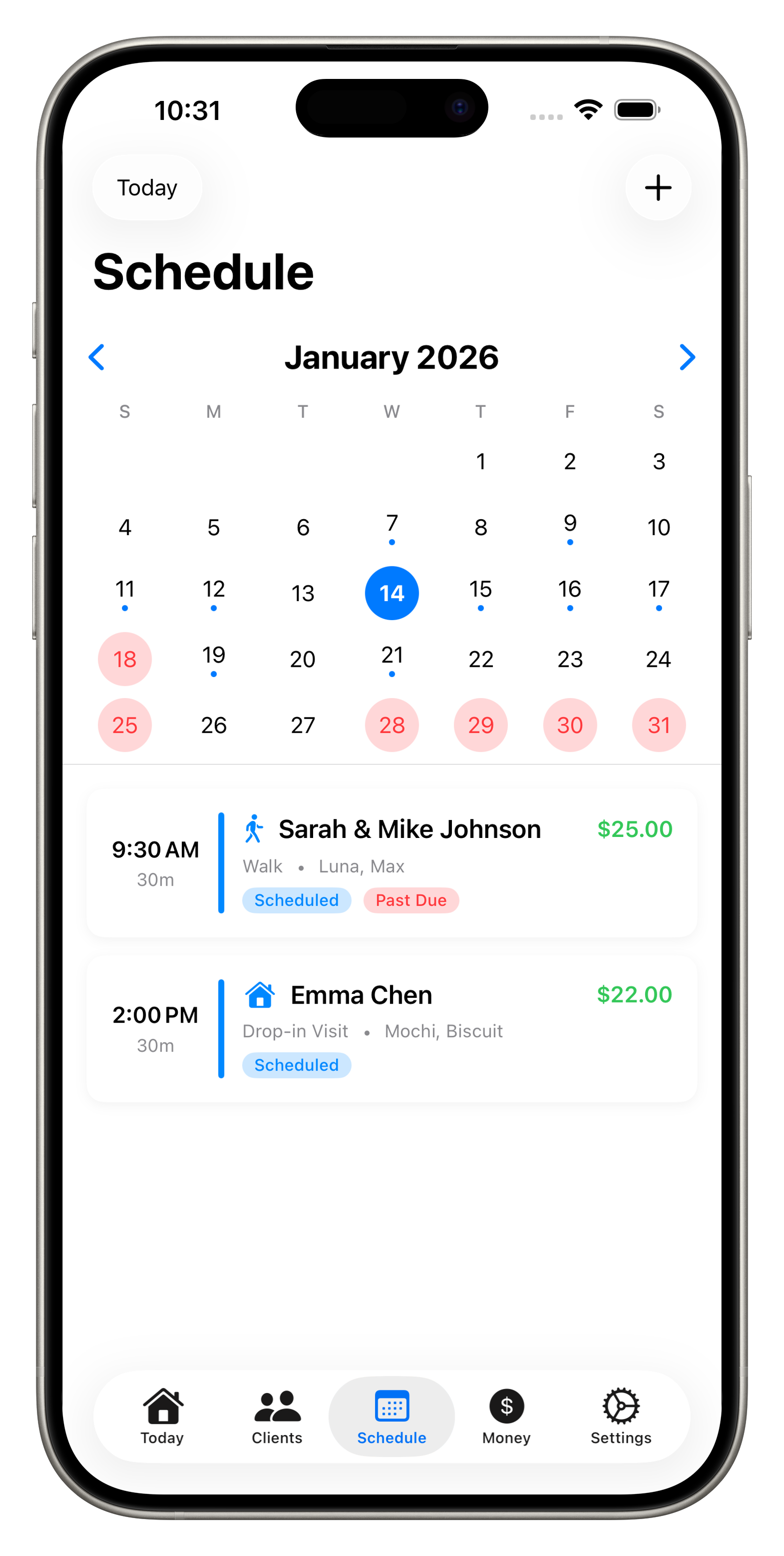
Smart Scheduling
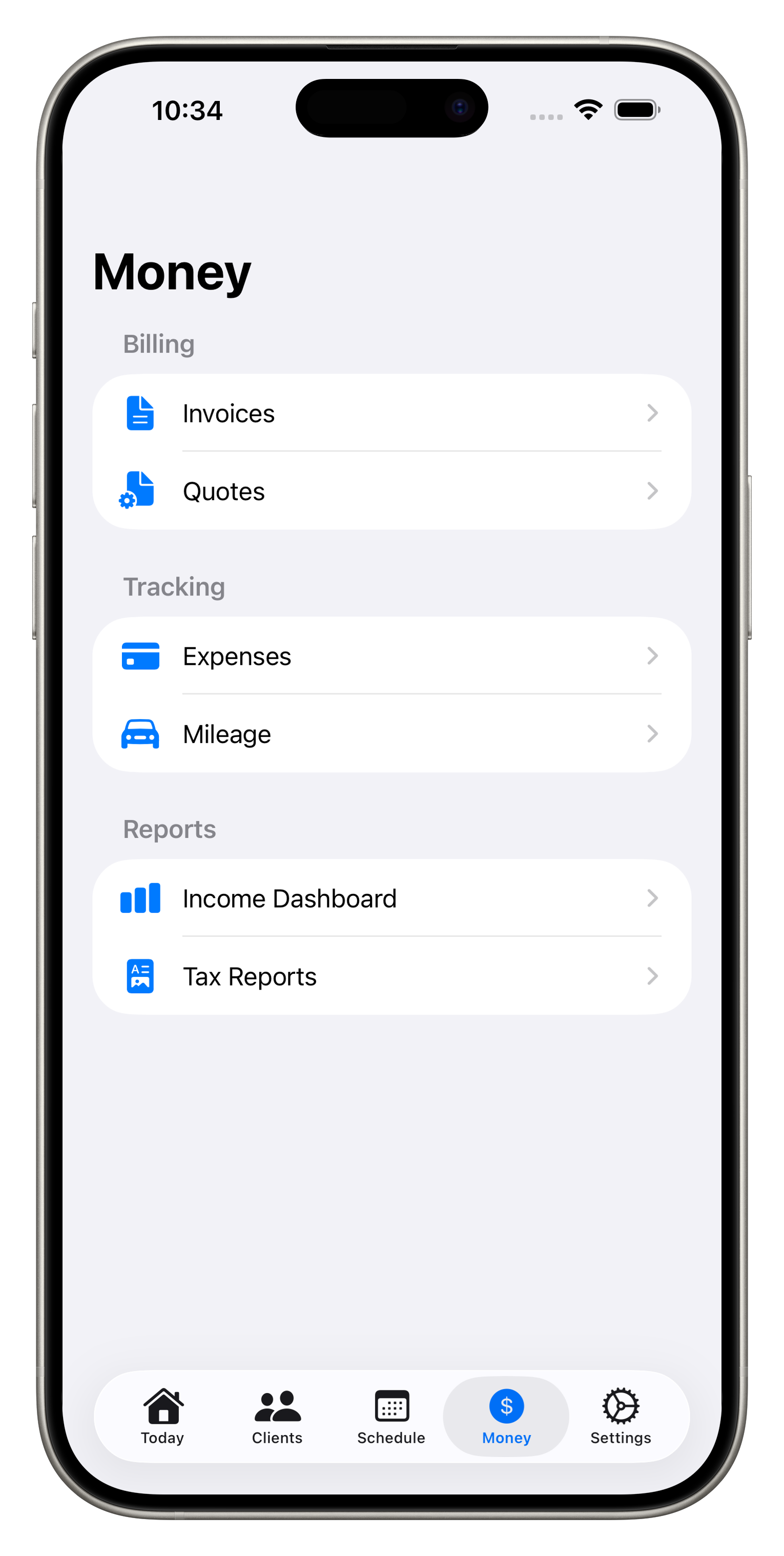
Money Overview
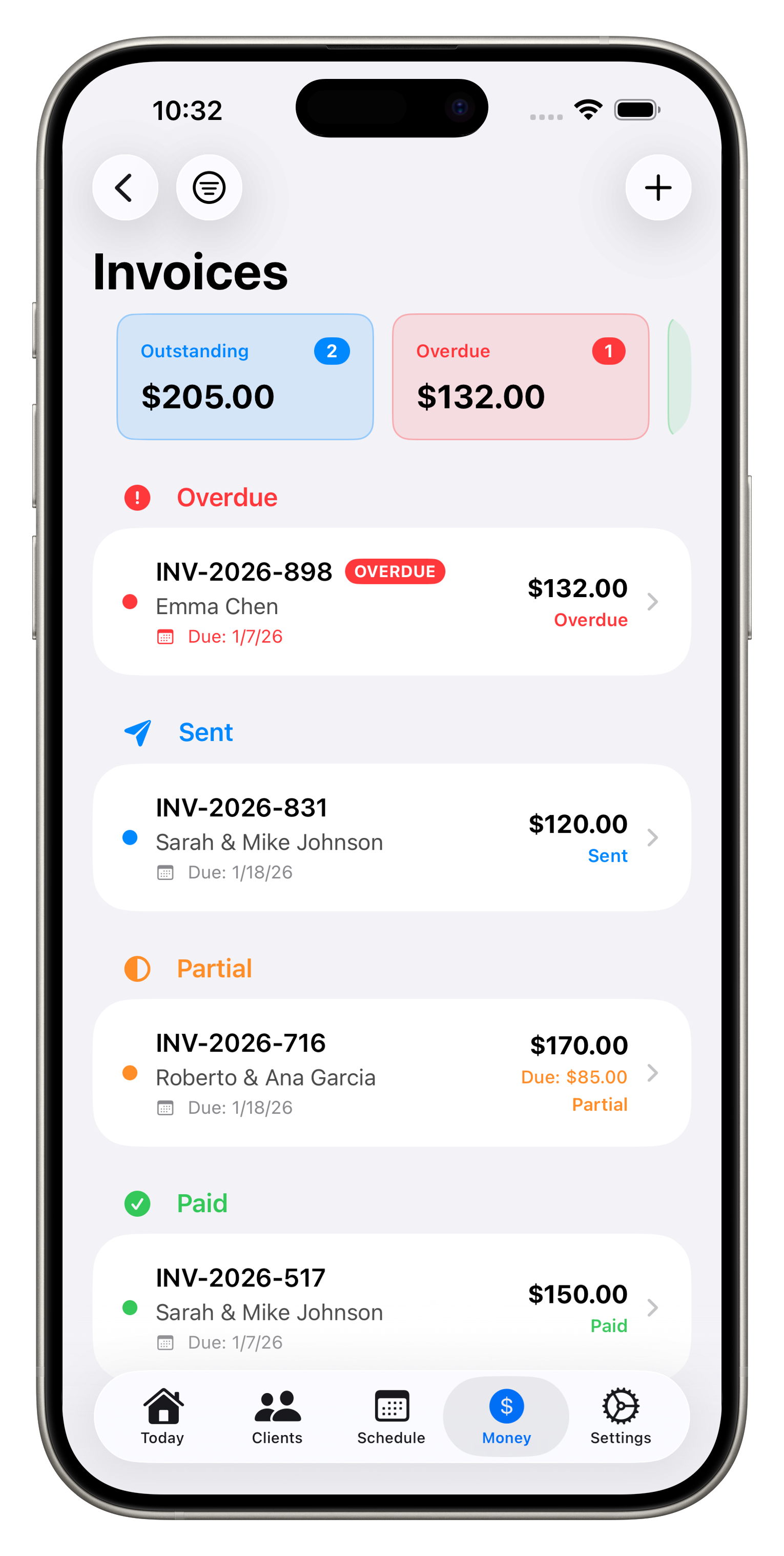
Invoice Tracking
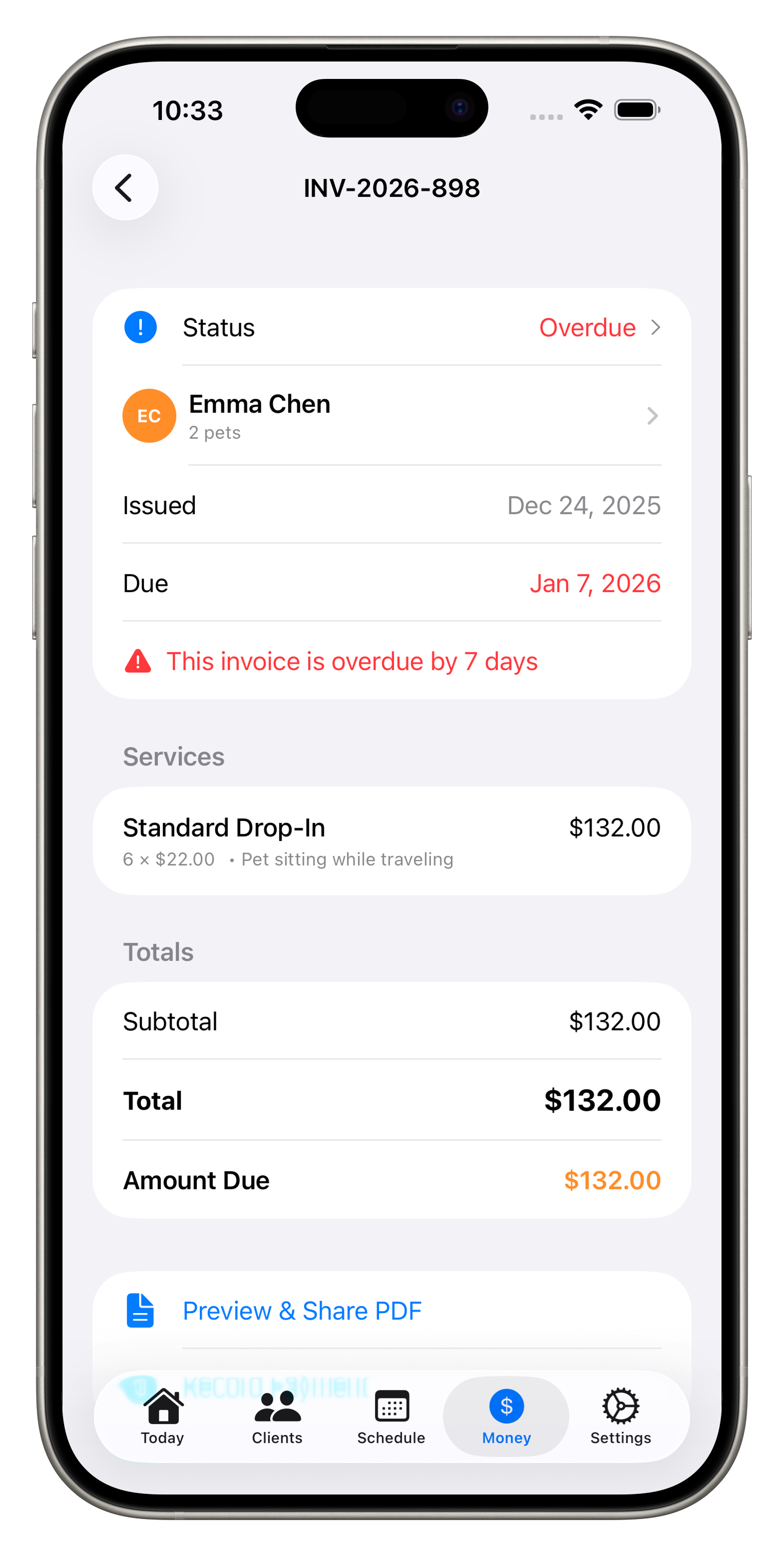
Professional Invoices
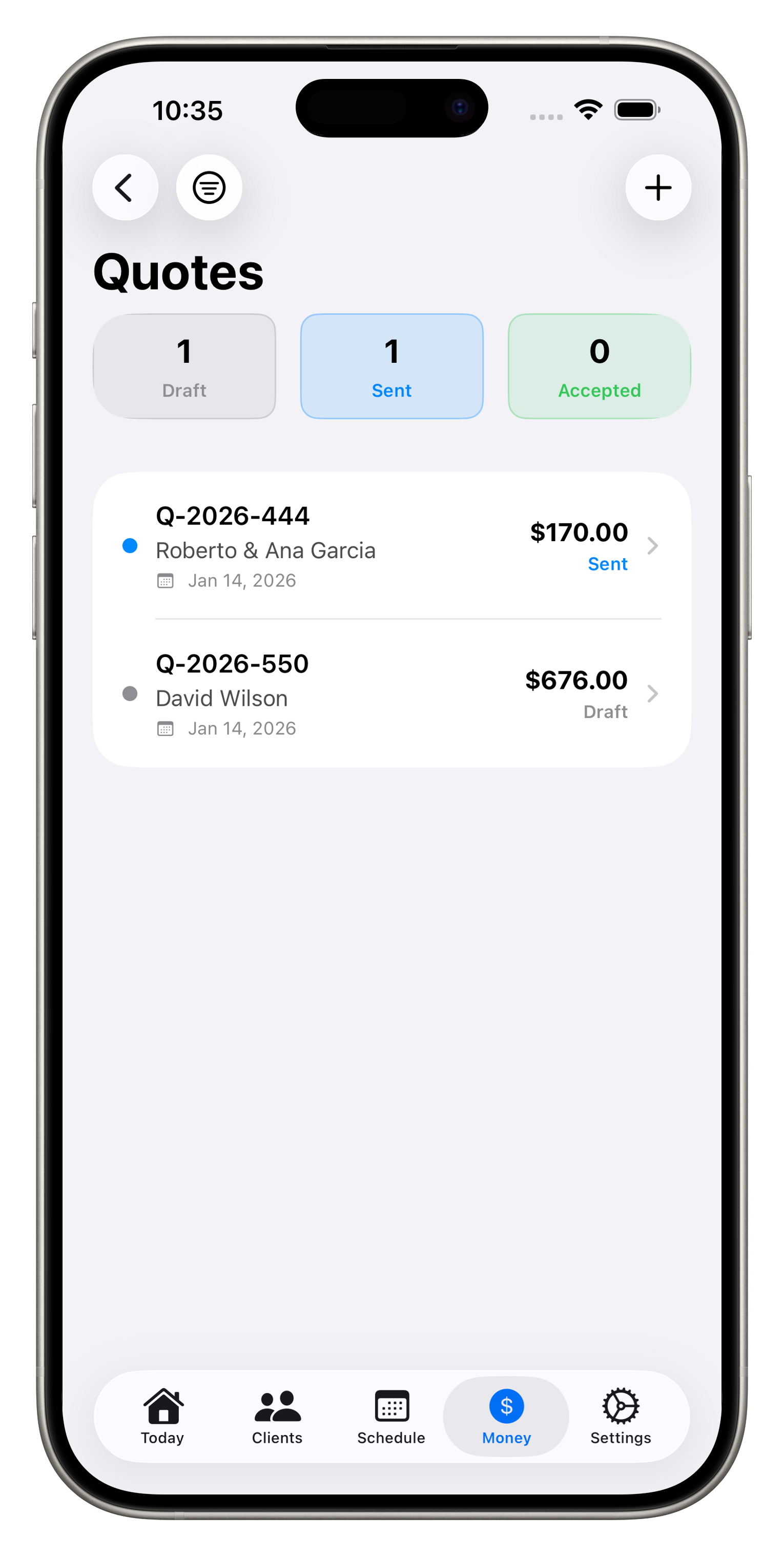
Quote Management
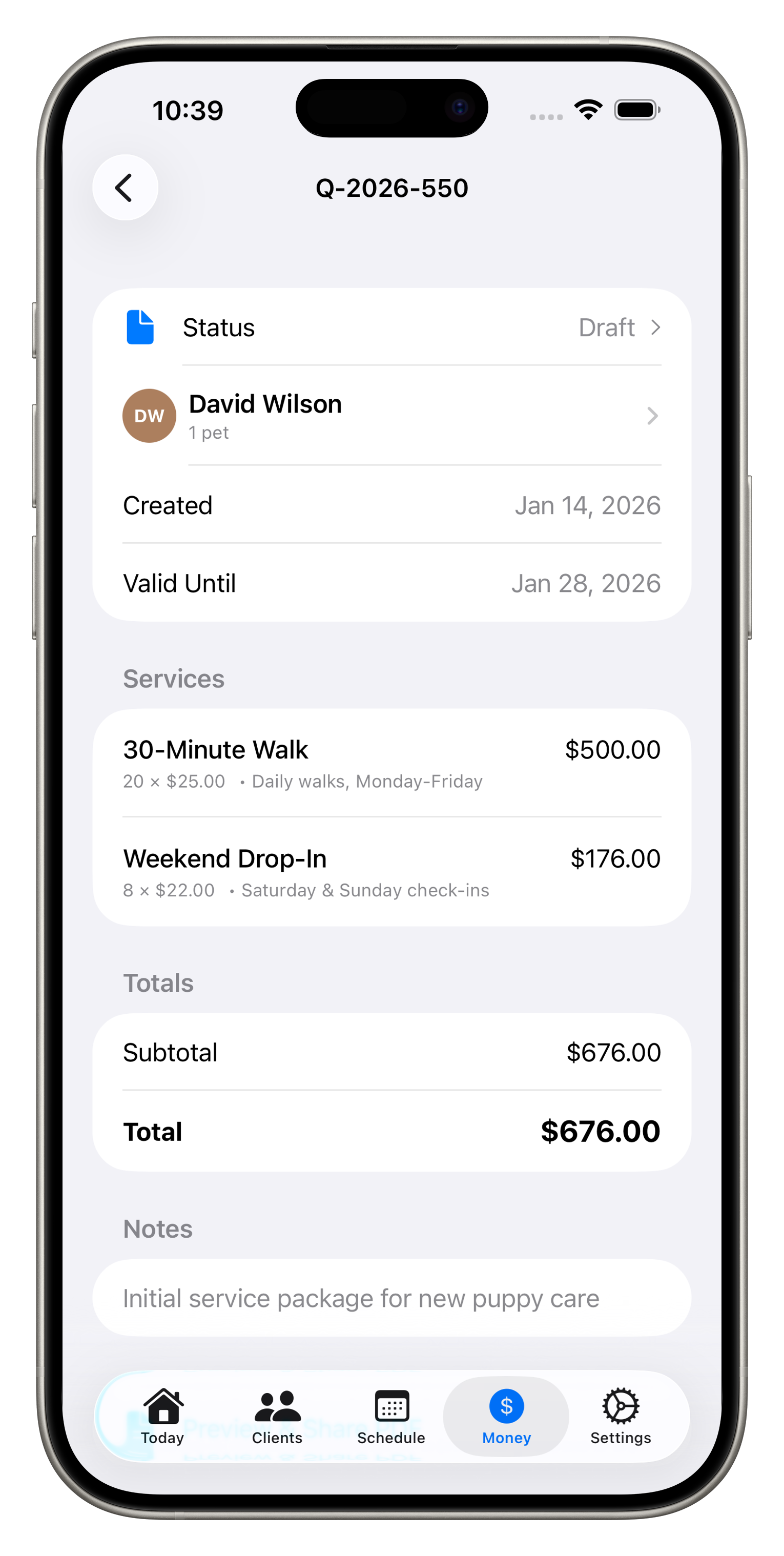
Detailed Quotes
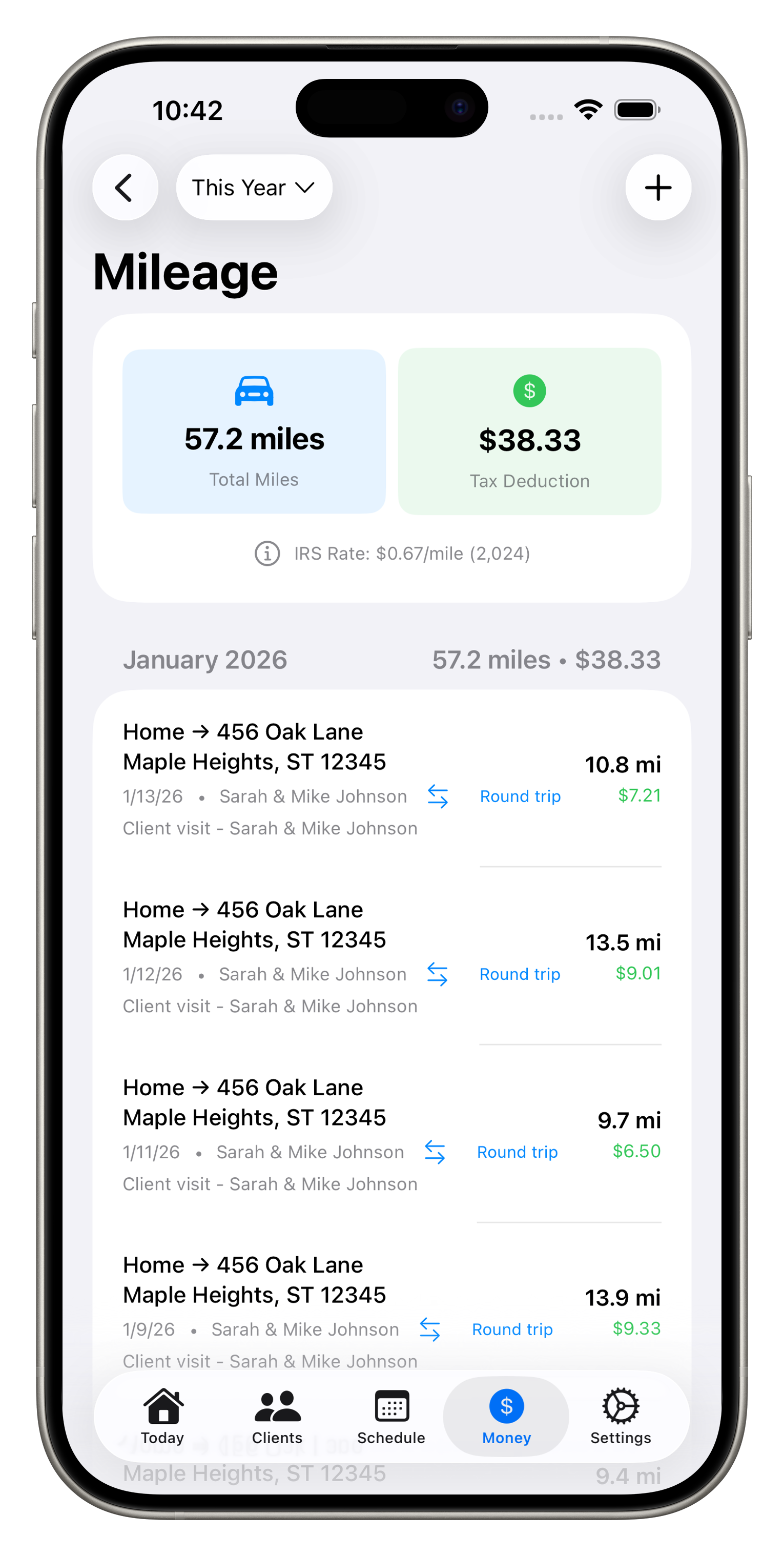
Mileage Tracking
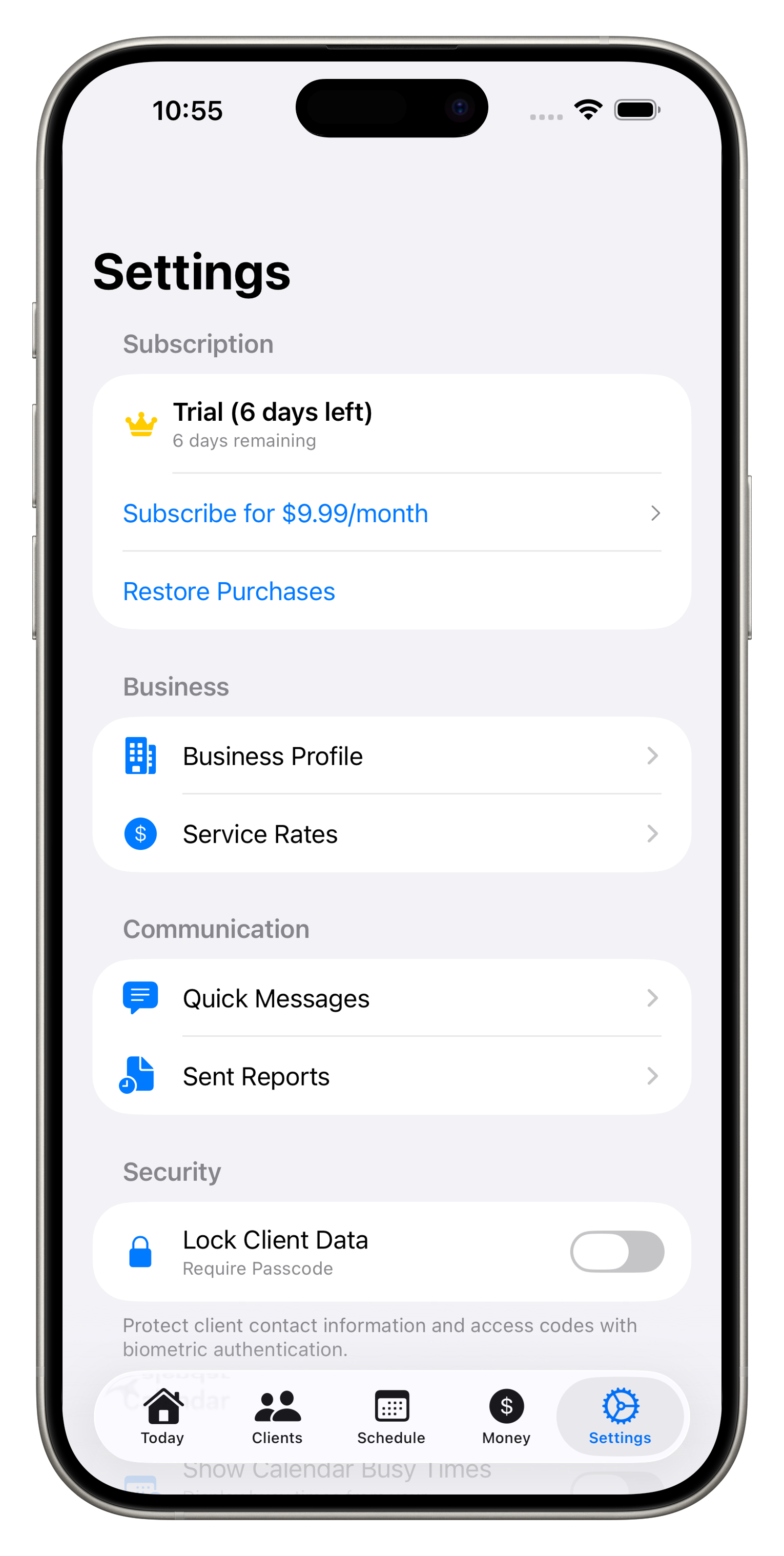
Settings & Security
Run your pet sitting business like a pro
Store client details, emergency contacts, and access codes all in one secure place.
Track every walk with GPS. Show clients exactly where you went and how far.
Visual calendar with recurring visits, blocked time, and calendar sync.
Generate branded PDF reports with activities, photos, and walk maps.
Create professional quotes and invoices. Track payments and who owes you.
Log expenses and mileage for tax time. See your profit at a glance.
Built specifically for professional pet sitters
Store keys, lockbox codes, alarm codes, and gate codes for each client. Never forget access info again.
Set up recurring visits like MWF walks that auto-generate. Block your days off weekly.
Send "On my way!" or "Just finished!" messages with one tap using customizable templates.
Capture photos during visits and include them in your professional reports to clients.
Track your miles for tax deductions. Manual entry or automatic tracking with IRS rate calculation.
Log business expenses with receipt photos. Organized by IRS categories for easy tax prep.
Protect your client data with Face ID or Touch ID. Your business information stays secure.
All data stored locally on your device. We never see your business data or client information.
Get started quickly with these step-by-step guides
Start free, upgrade when you're ready
Answers to common questions about PetSitterPro
We're here to help you succeed with PetSitterPro
Response time: Usually within 24 hours
Common issues for pet sitters and dog walkers
Each visit has its own reminder. Visit detail → enable reminder. PetSitterPro uses Time Sensitive notifications so they break through Focus mode.
Calendar permission needed. Settings → Privacy & Security → Calendars → PetSitterPro → enable. Existing visits sync on next app launch.
If your business name has unusual characters or the visit list is very long, the PDF renderer may misalign. Try shortening the business name or splitting the visit list across multiple invoices.
Tax rate is per-client. Client detail → Tax Rate → set the percentage. PetSitterPro applies that to all visits for that client.
Settings → Privacy → Auto-Lock interval. Set to a longer duration (or "Never" while actively working) to reduce prompts.
Confirm you're signed into the Apple ID that bought Pro. Settings → Apple ID → Subscriptions to verify it's active. Then PetSitterPro → Restore Purchase.