What's New in v1.0.2
Faster and more reliable, with fixes for international users.
⚡
Smoother Scrolling FASTER
Scrolling through camera lists and switching between tabs is now noticeably smoother, with less stutter on long lists.
📷
Instant Camera Images
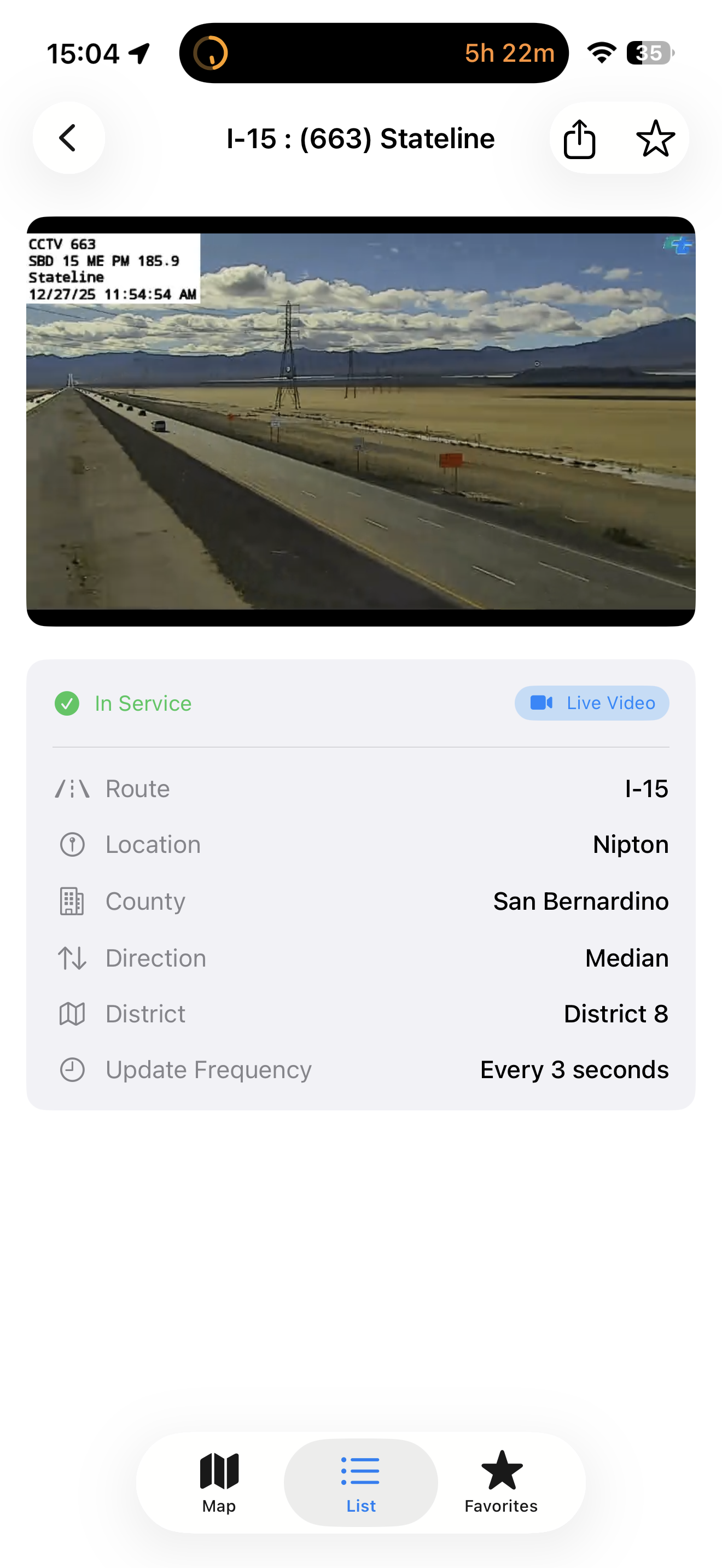
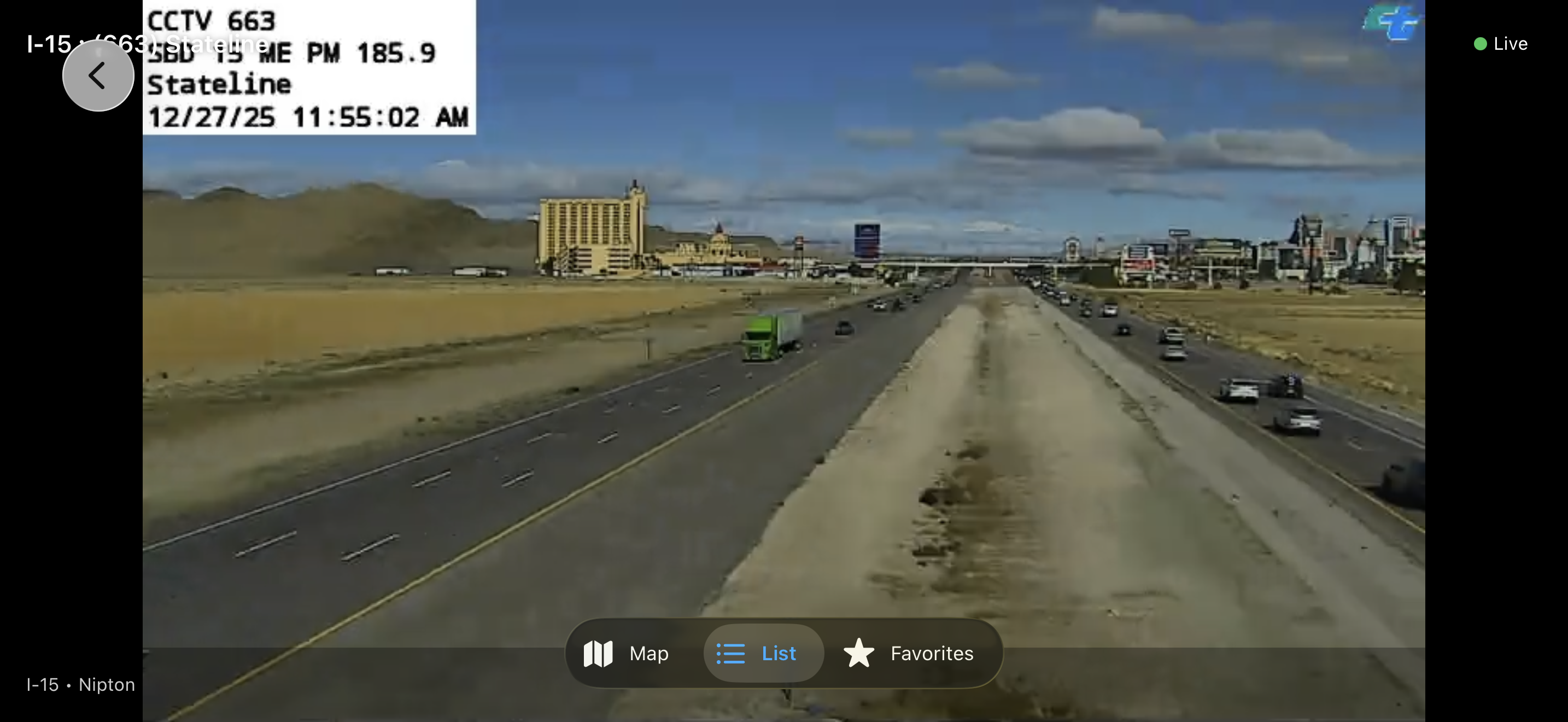
Camera snapshots now appear instantly and refresh quietly in the background, so you see the road without waiting for images to load.
🕐
Correct Alert Times Worldwide
Alert timestamps now display correctly for users outside the US, matching your device's region and time settings.
⭐
Sharper Favorite-Routes Filter
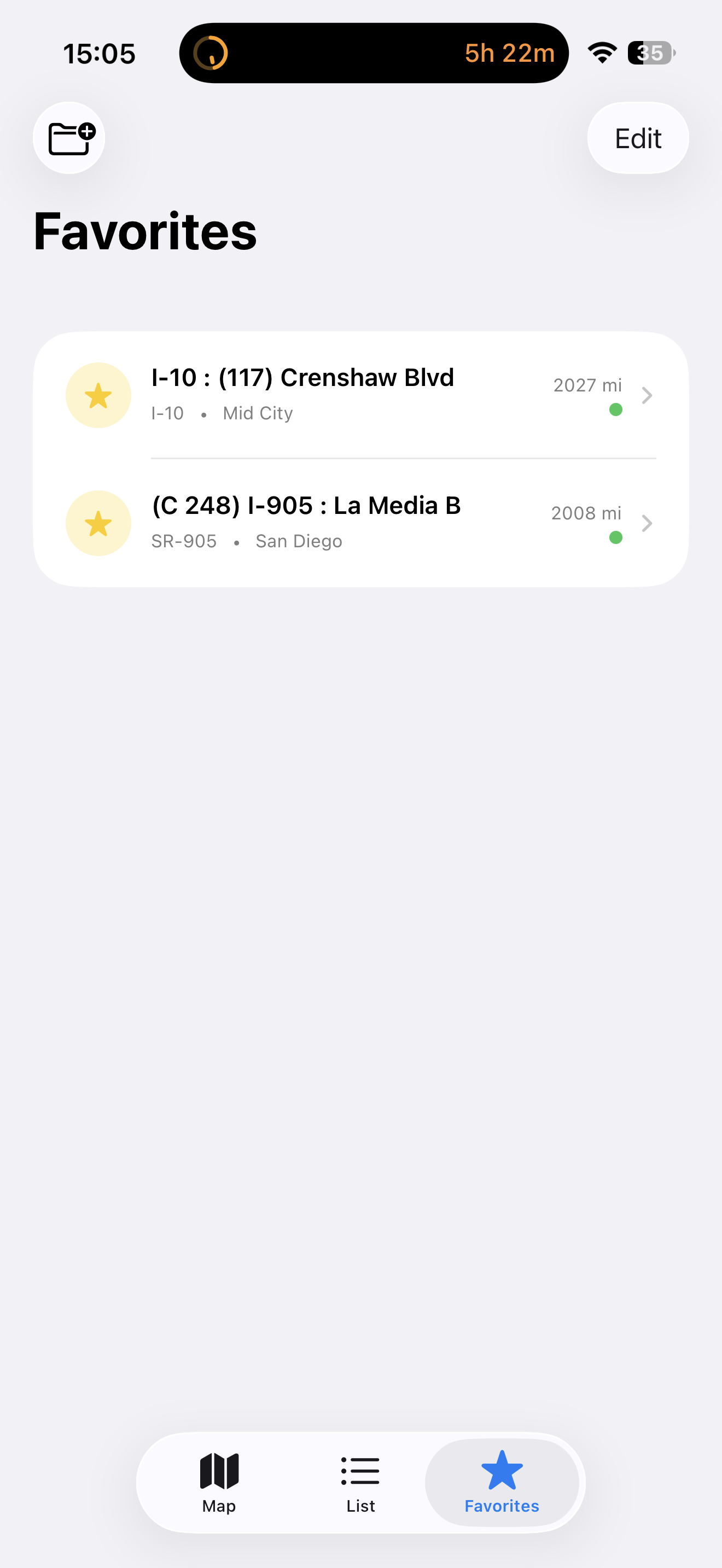
The favorite-routes filter is more accurate, so your saved cameras and routes surface exactly the feeds you expect.
Previously — v1.0.1
The first round of post-launch fixes, focused on reliability + international usability.
🔔
Background Alerts Actually Fire USER-VISIBLE
The background-alert feature was silently dead since v1.0 because of a missing iOS configuration key. Background refreshes now wake the app correctly and your configured alerts (chain controls, lane closures on your routes) come through as designed.
📍
Locale-Aware Distance
Camera distances now respect your system's measurement preference. Users in metric regions see "500 m" / "0.8 km" instead of always seeing miles and feet.
📐
Paywall Navigation Fix
Resolved a navigation issue where dismissing the Pro paywall could leave the underlying screen's nav bar in a stale state. The paywall now uses an inline title bar that works cleanly across iOS 17+ presentation modes.
🛡
Smarter Alert Cache
The alert cache is now keyed per district set, so changing your selected districts in Settings refreshes alerts immediately instead of waiting up to 5 minutes for stale data to expire.
⚡
Faster Cold Launch
The launch splash now only plays once on first launch. Returning users go straight to the dashboard, saving about 3 seconds per cold launch.
🔗
Network Reliability
Caltrans API requests now have explicit 30-second timeouts. Background alert refreshes fail fast on poor connectivity instead of consuming iOS's tight background-refresh budget.
 Free
Free