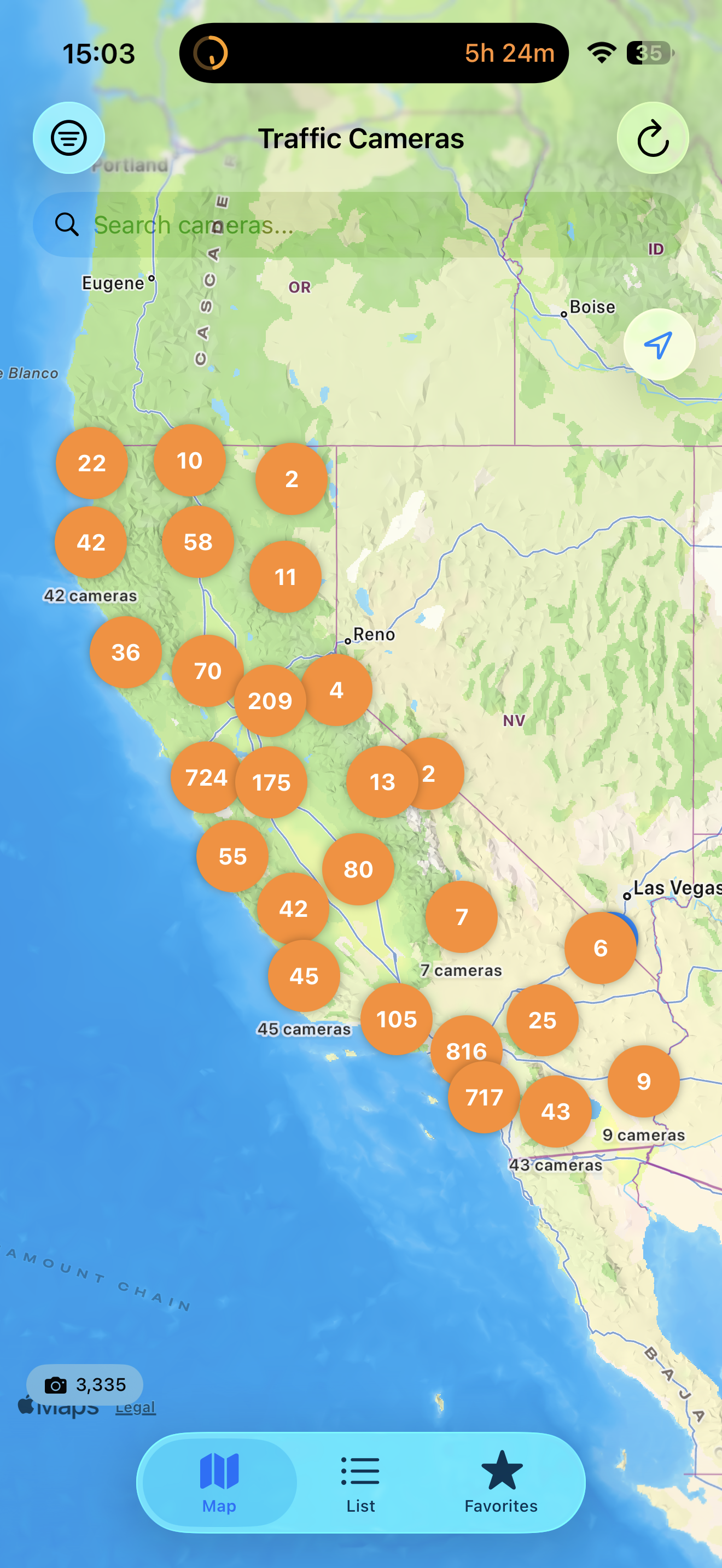
Statewide Camera Map
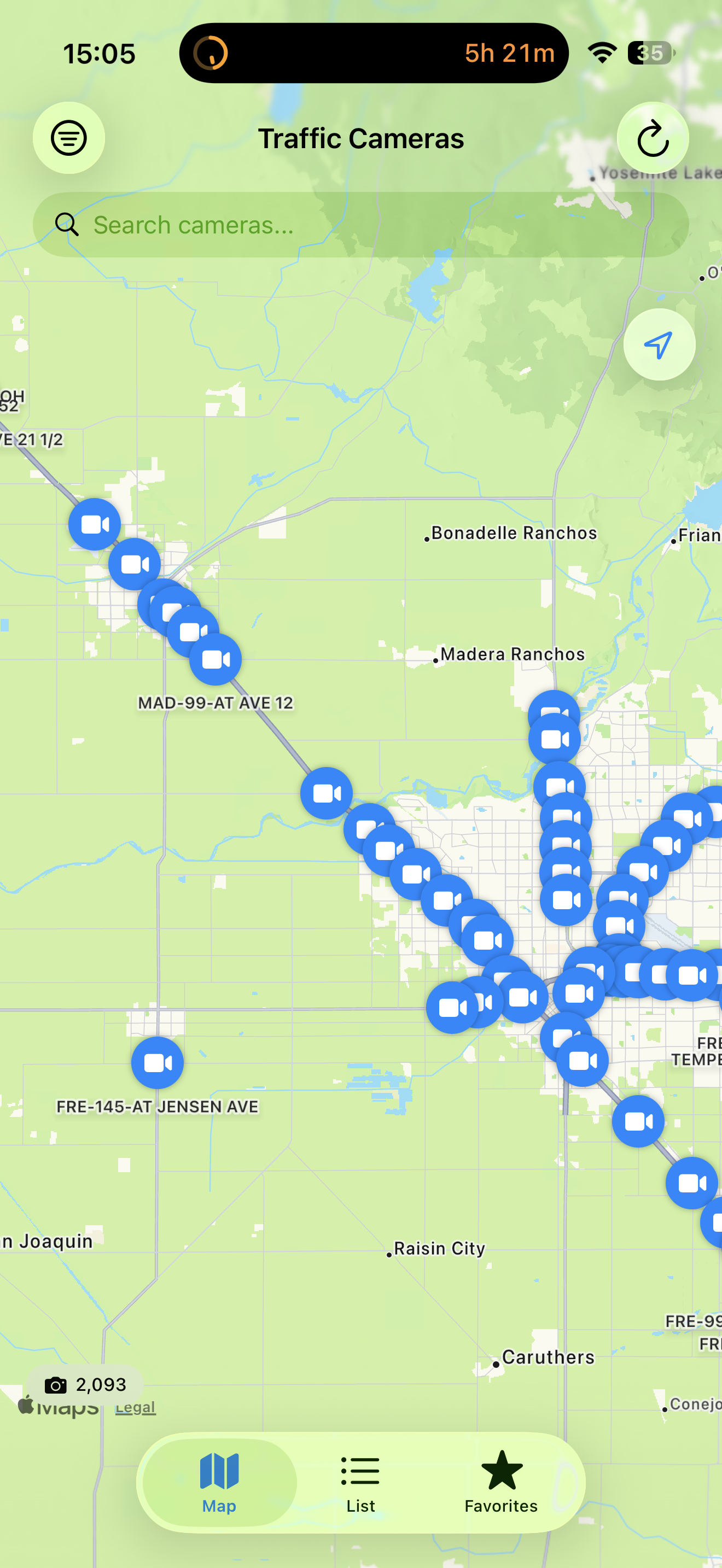
Zoomed View with Pins
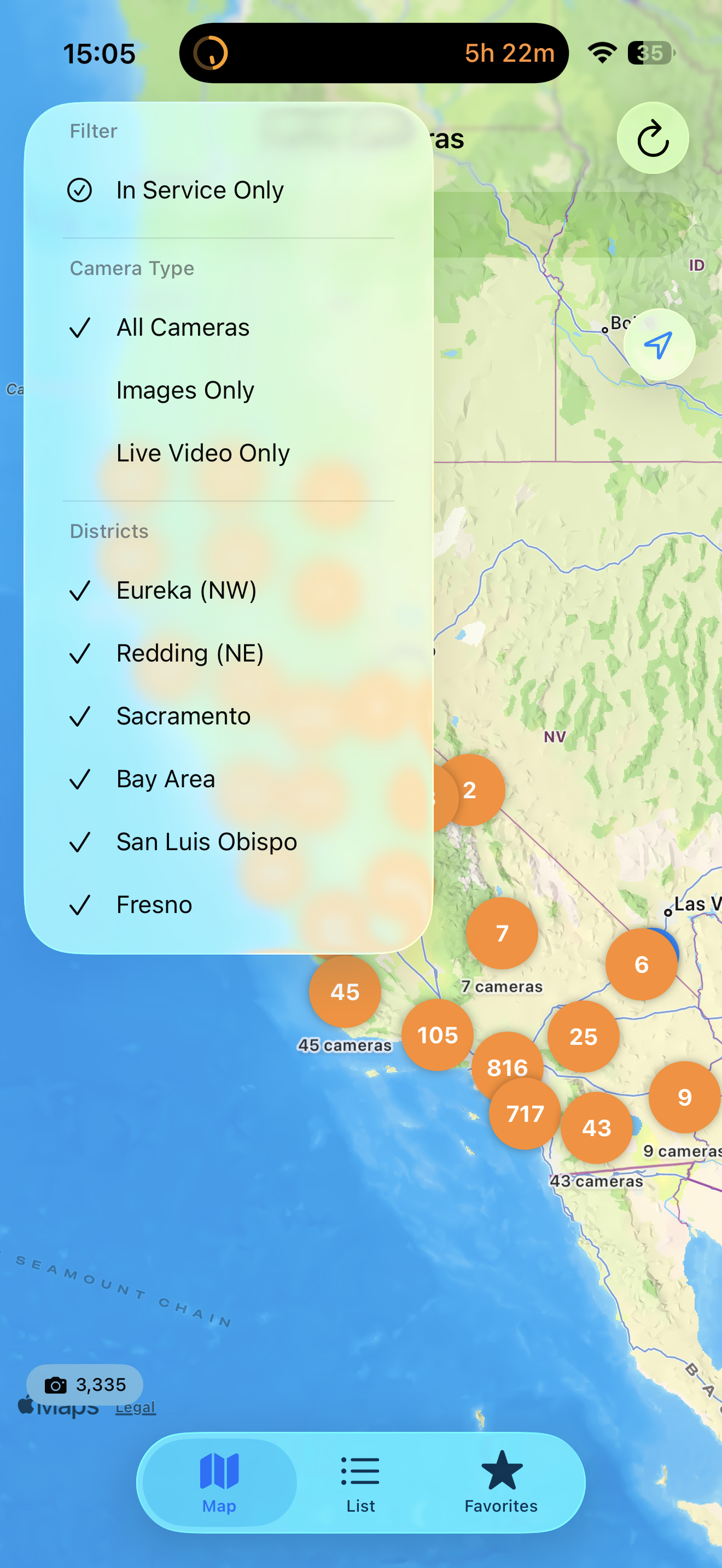
Filter by District & Type
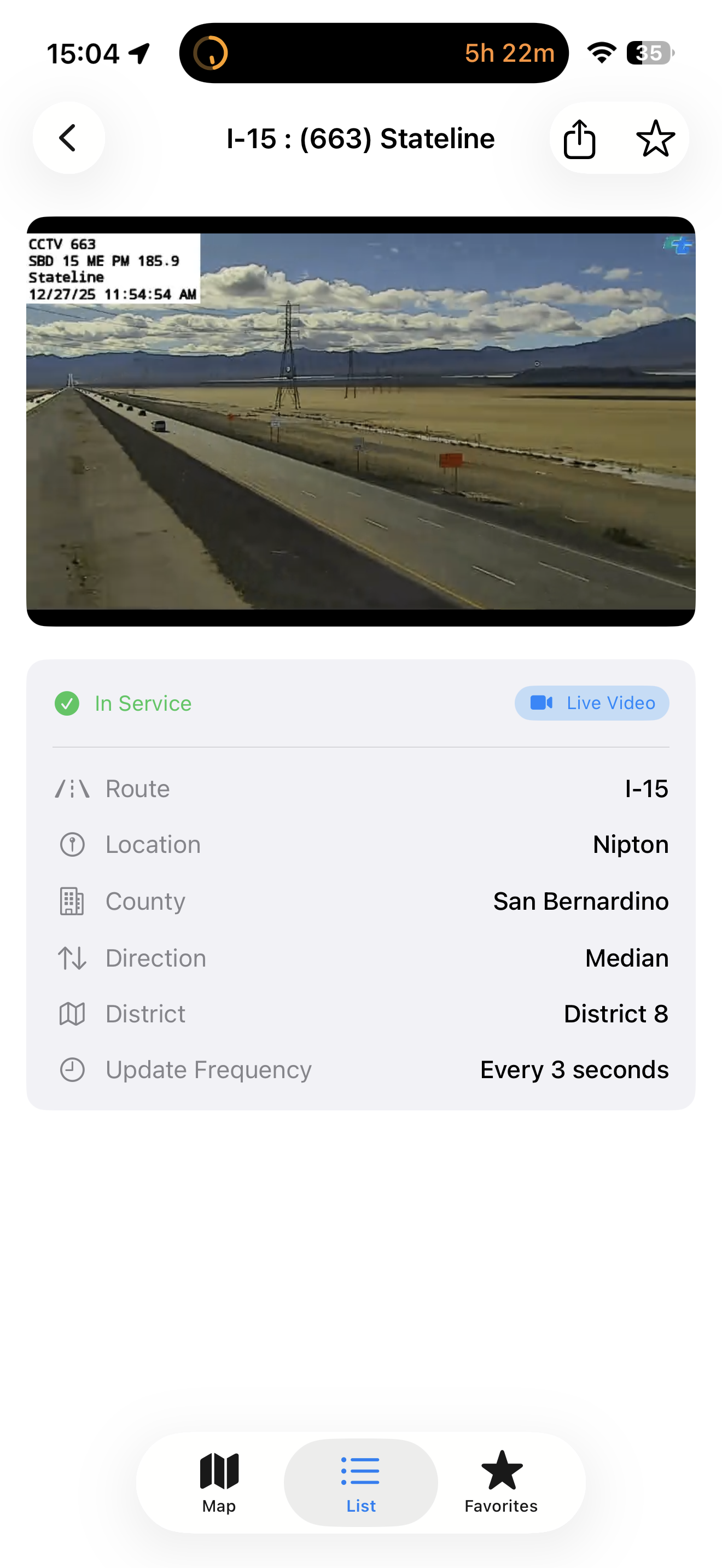
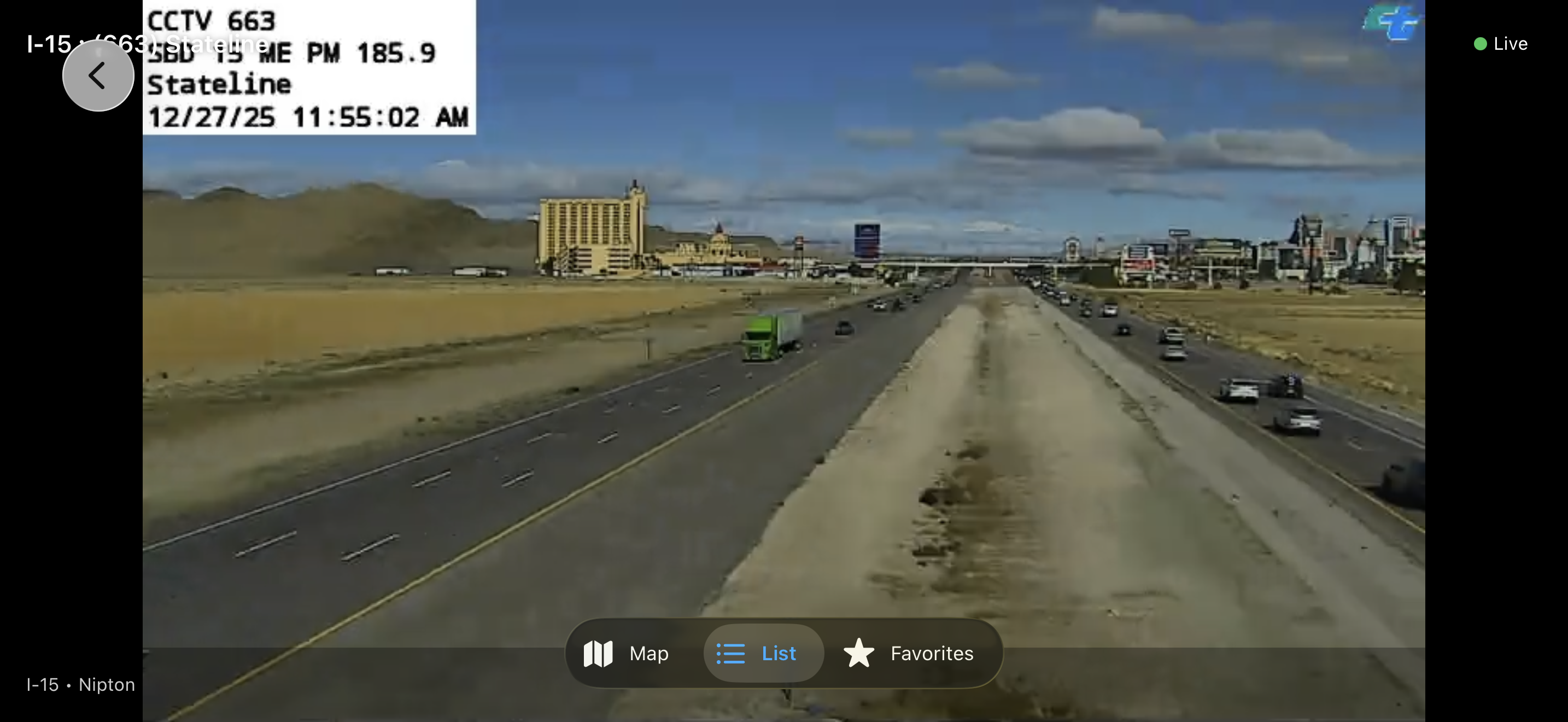
Camera Detail View
Full Screen Landscape Mode
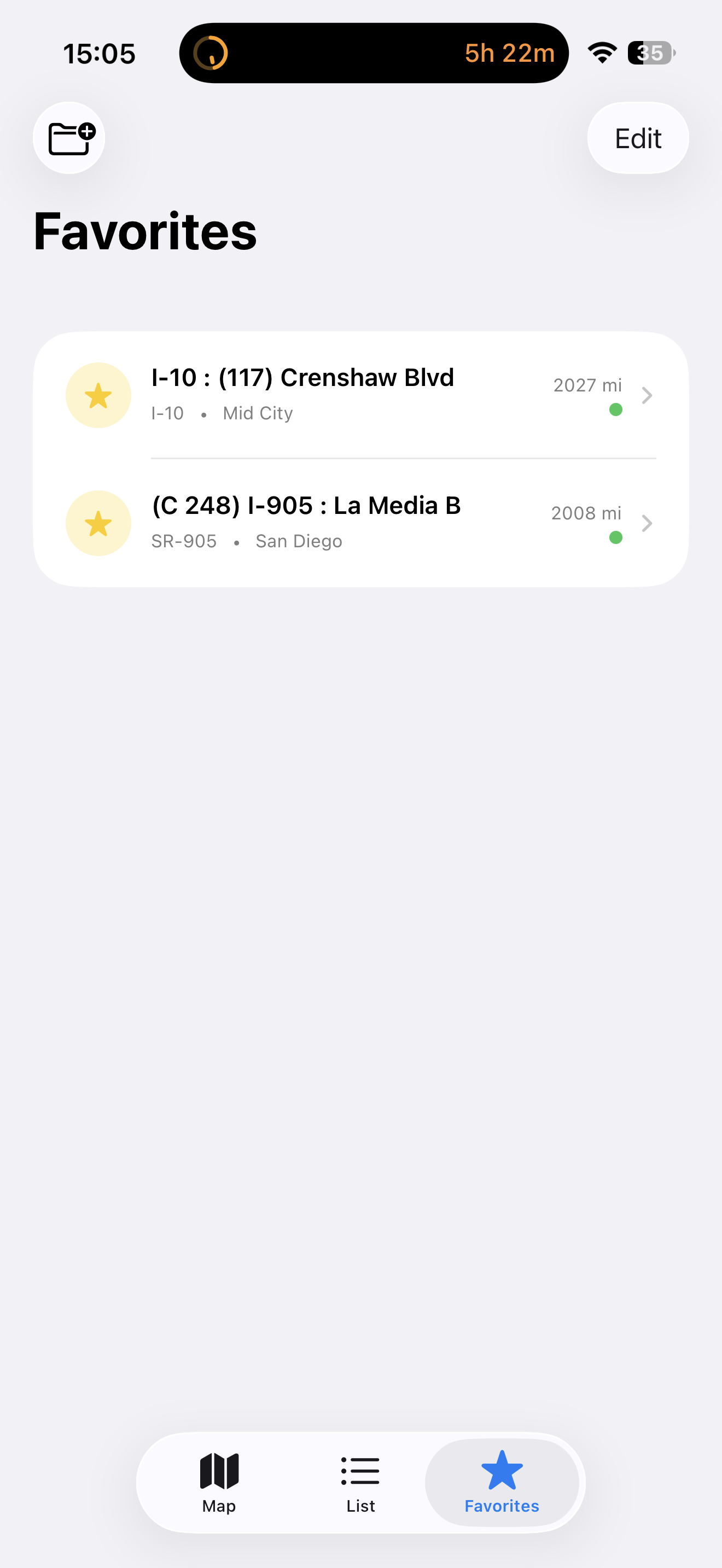
Favorites & Quick Access
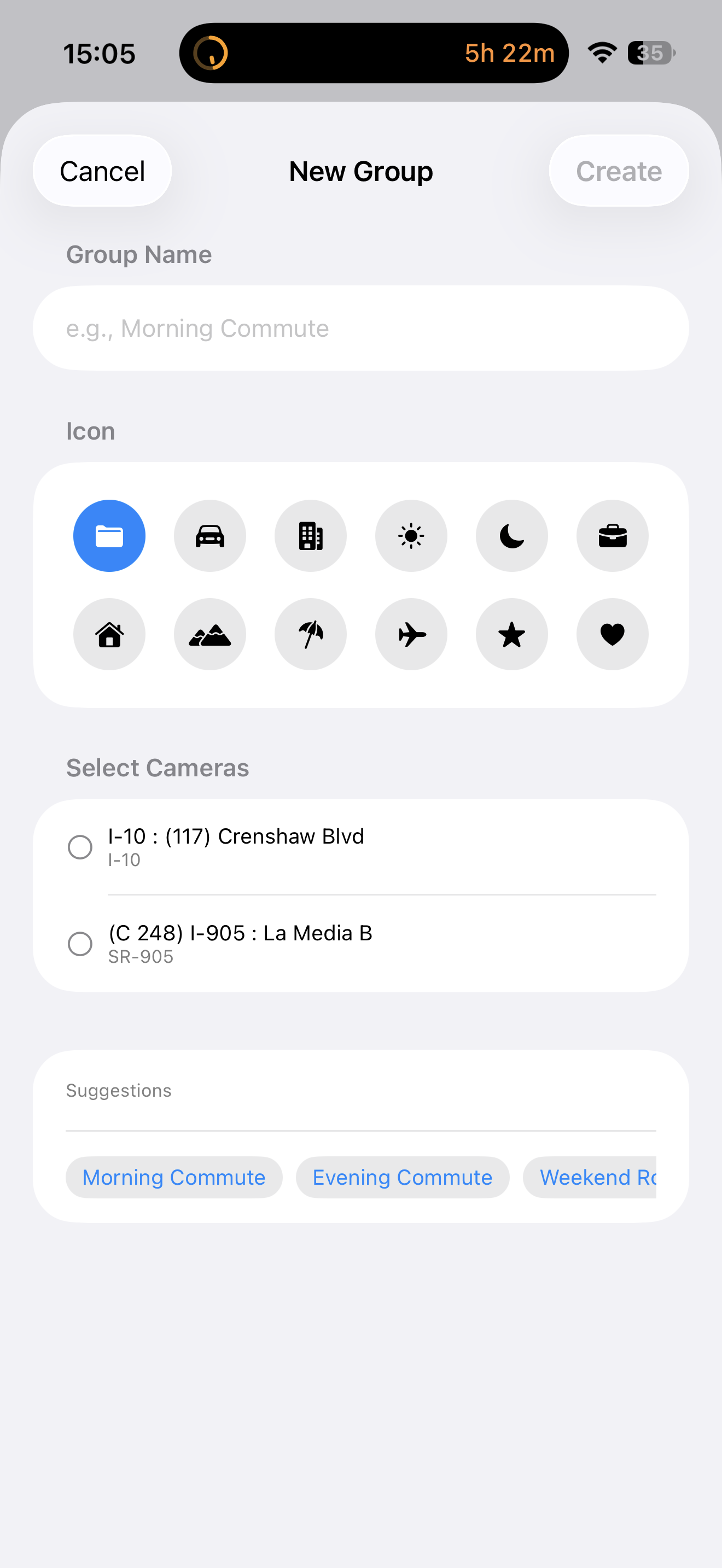
Create Custom Groups
Stream real-time HLS video from highway cameras
Snapshots that update every few seconds
US-101, SR-299
I-5, SR-299
I-5, I-80, US-50
I-80, I-280, I-880
US-101, SR-1
SR-99, I-5
I-5, I-10, I-110, I-405
I-10, I-15, I-215
US-395, SR-14
I-5, SR-99, I-205
I-5, I-8, I-15
I-5, SR-55, SR-91
Browse all cameras on a beautiful map with smart clustering. Tap any pin to view that camera instantly.
Find cameras by highway, city, or location name. Filter by district or camera type.
See cameras nearest to you first. Perfect for checking conditions on your commute.
Star cameras for quick access. Create custom groups like "Morning Commute" or "Weekend Trip".
Send camera links to friends. Links open directly in the app for instant viewing.
Beautiful dark theme for night driving. Automatic switching based on system settings.
Location stays on your device. No tracking, no analytics, no accounts required.
Pay once, use forever. No ads, no in-app purchases, no recurring fees.
Check traffic before leaving
Monitor mountain passes
Real-time road conditions
Check coastal highway traffic
California road conditions, alerts, data sources
Caltrans (California Department of Transportation) public data feeds, plus CHP (California Highway Patrol) incident reports. RoadWatch CA aggregates and presents both in a single map and list view. Updates every 5-15 minutes depending on the source.
If Caltrans/CHP haven't reported anything, the map is empty. Local roads (city streets, county roads) are not in the Caltrans feed — only state highways and interstates. For local roads, check your county's emergency-services page.
Yes, Caltrans publishes scheduled closures. RoadWatch CA shows them with start/end times and detour info if Caltrans provides it.
Yes. Add a saved route (e.g. "I-280 Sunnyvale to SF"). RoadWatch CA polls every 15 minutes while the app is open and sends a notification when a new incident is reported on or near your route.
iOS suspends background polling aggressively for non-VoIP / non-location apps. RoadWatch CA re-checks on app launch and from widgets — the alert flow works best when you keep the widget on your home screen and check it before driving.
Caltrans feeds occasionally go down. Pull-to-refresh forces a re-fetch. If the issue persists for >30 minutes, the API itself is likely unavailable — check status.caltrans.ca.gov. RoadWatch CA caches the last successful pull, so you'll see the most recent good data.
iOS uses a single sound per notification category. Severity is shown in the notification text and icon. Critical incidents are flagged with 🚨 in the title.
Download RoadWatch CA for just $4.99. No subscriptions, no ads.